Showing posts with label navizon. Show all posts

Saturday, October 28, 2006

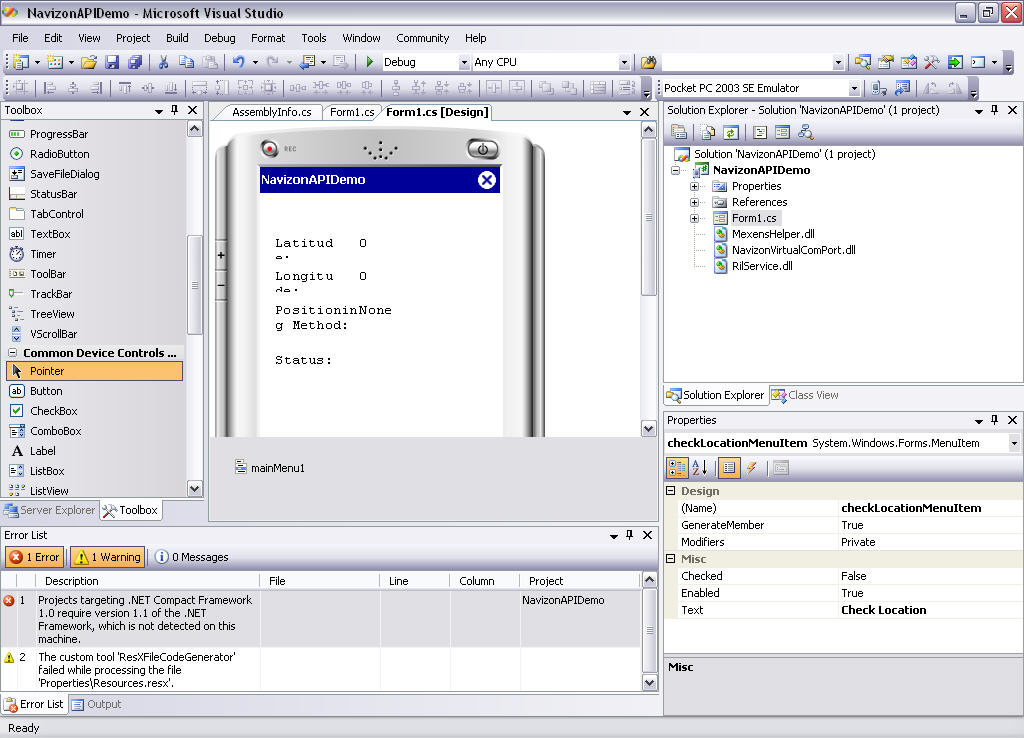
First NavizonAPI Demo in VB .net


  • need to install Windows Mobile SDK to emulate(downloading)
  • need to generate the key and entering in the code.
  • Navizon API tutorial

Friday, October 27, 2006

Navizon API

Navizon API for the Web and for the mobile

API for mobile

  • w/o GPS
    • infomation
      • latitude and longitude of the user
      • zip code, the city
  • w/ GPS
    • information
      • position
    • earn money
  • platform
    • windows mobile, symbian & blackberry(coming soon)
  • license
    • volume-based licensing
      • use the credits on your account when you need to query a location
    • a per-device licensing
      • "all you can eat" access to the database

Thursday, October 19, 2006

looks like Navzion got a good position ability

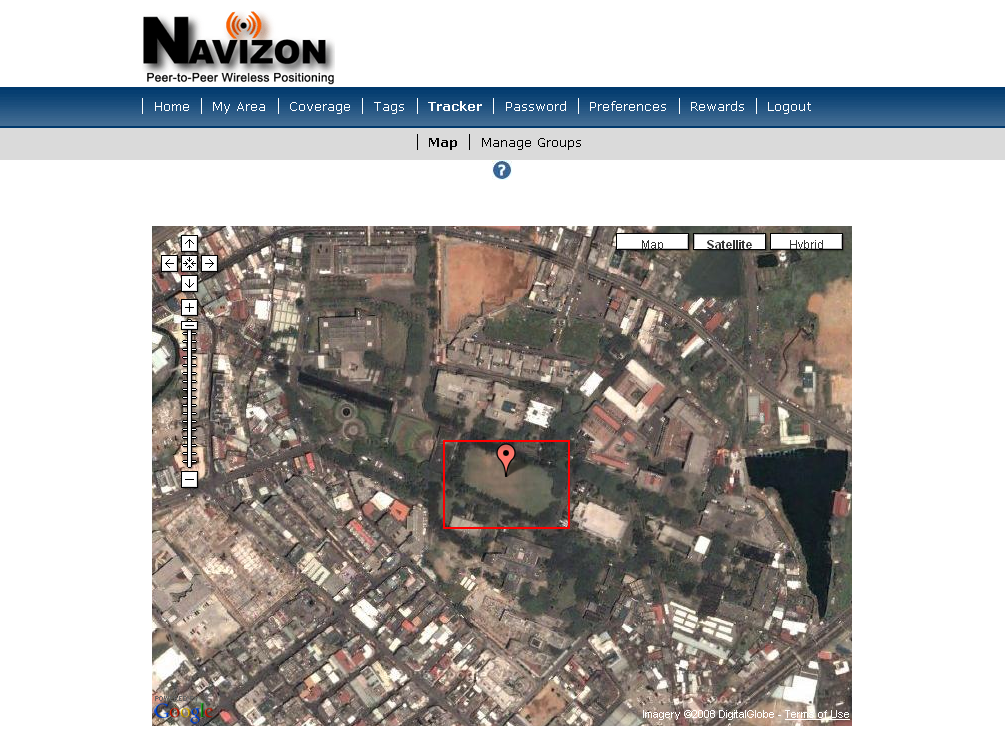
I went out with my PDA(without GPS) to play music while jogging. At campus, I try to stand in the middle of the large lawn that I think no AP will set up in there.

The location is almost exactly the same where I was standing!!
Wednesday, October 18, 2006

Funtions of Navizon

  • Local search
    • vedio
    • without GPS, but internet must connected
    • use google map to search , can't work in Taiwan(without street map)
  • Geotages
    • without GPS, but internet must connected
    • special loaction tags you can created
    • Group members can see the notice , pop up automatically.

  • Buddytracker
    • without GPS, but internet must connected

Monday, October 16, 2006

Where am I?

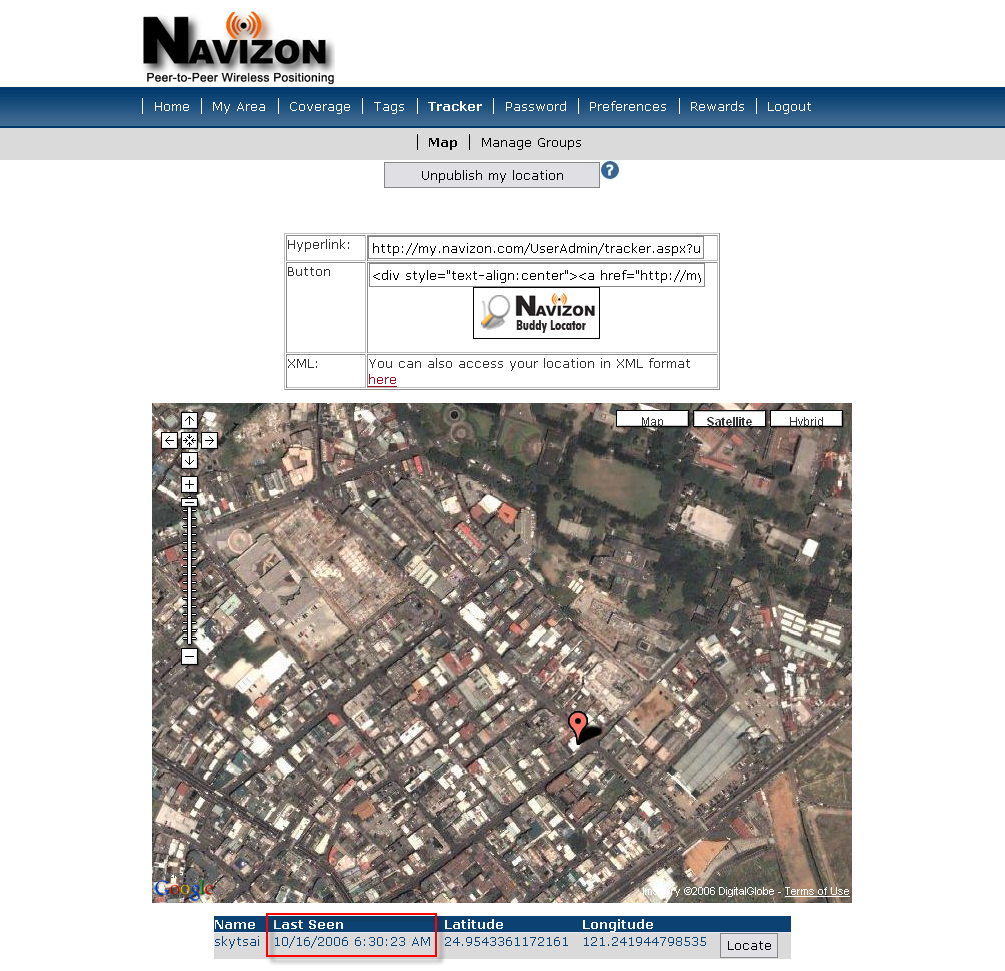
Now you can track me!
Click the banner.

See where I am by clicking here


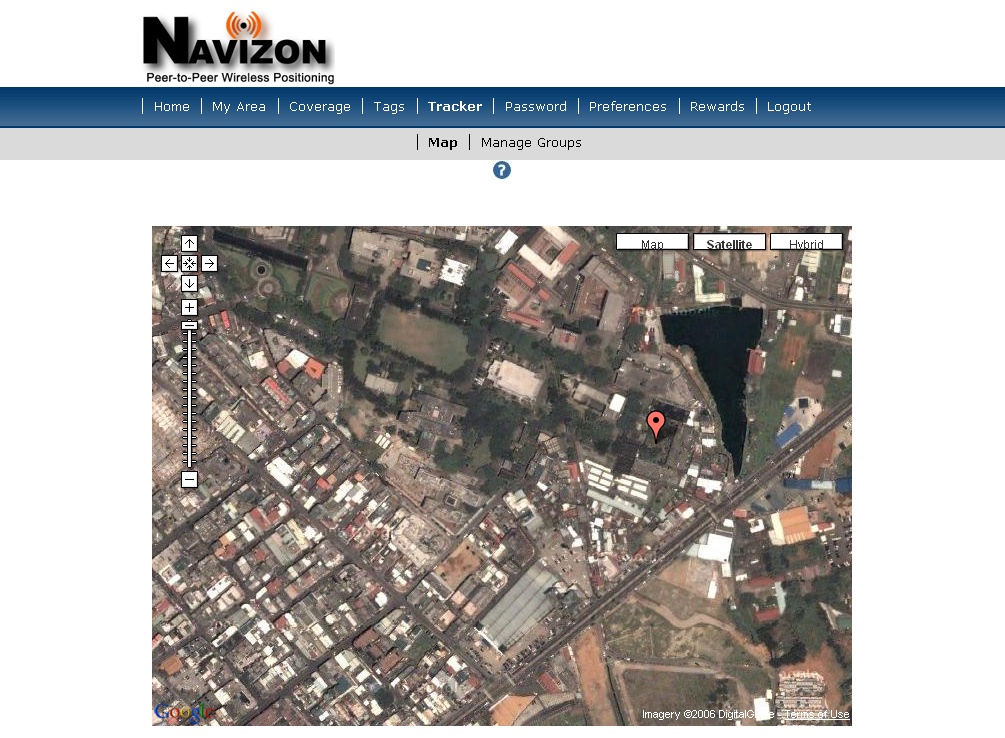
When I turn on my PDA and load Navizon, in the place with wifi connected, I can report my position that was summited at last one.


the times is based on EST(GMT -5, 13 hrs difference).


*outdoor test

I went out to 室設系 to do a part time job and reported my position to the tracker.

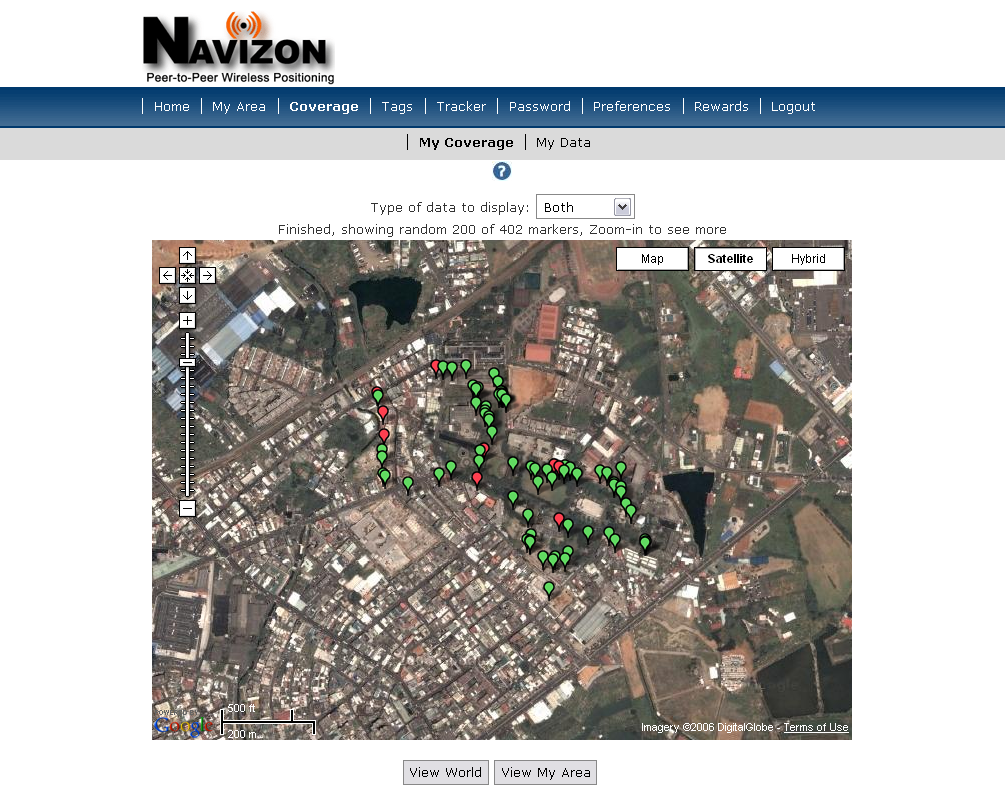
collecting data of Aps around campus

  • turn on my PDA with Wifi and bluetooth enabled.
  • trun on my bluetooth GPS
  • start to walk around the campus and search APs. Navizon will collect the data.
  • after a circle of walk(409 APs located)
  • back home, sync with my computer(some APs are showing in my Coverage)
  • I can locate and upload my position in the campus without GPS

Sunday, October 15, 2006

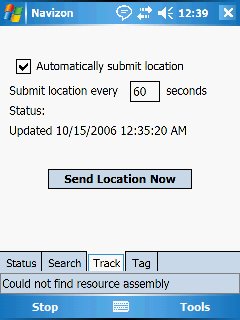
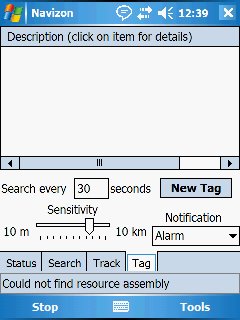
Navizon screenshots

1. The region must set to English or it will crash.
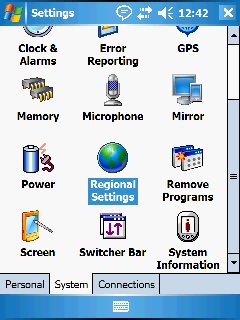
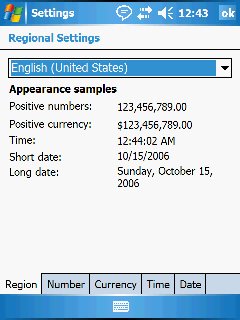


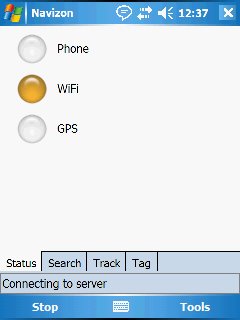
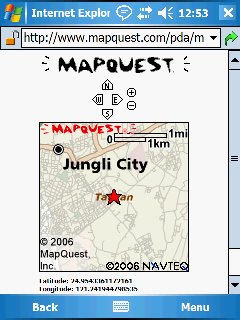
有三種定位方式
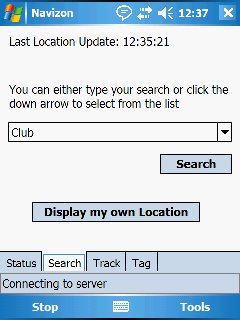


Navizon 在PDA中的定位,使用的是yahoo提供的mapquest pda版本。

放大後的最大畫面-無法得知精確位置。
Navizon's Blog

http://navizon.typepad.com/my_weblog/h

other resource about Navizon
Navizon: GPS without it
Audio interview with Cyril Houri -
CEO and founder of Mexens Technology - makers of Navizon solution

  • it is not working for Palm Treo 700w and HP iPAQ hw6915/hw6515 phones????
Similar applications
Mologogo-Share your location in real-time
Intel experiments with Wi-Fi as GPS substitute
Wi-Fi used for location services
  • more accurate than GPS/Cellular-based location Systems
  • it can work inside the building
  • "useful in helping voice over IP providers comply with a federal mandate to have location based services for E911"
  • track stolen equipment
  • Wi-Fi routers do not necessarily stay in one position forever

Monday, October 02, 2006

research on Navizon

http://www.navizon.com/

create group members -> know the location of all members

The concept


wifi/cellular towels/Gps, 3 kinds of signal can help us to locate.

GPS may not work on downtown area because of the high buildings, in other words, wifi/gsm can perform well in metropolis by the large numbers of hot spots with high density

10/3
try to use Navizon
I use the Dell X51v Pda with bluetooth GPS to locate my home.
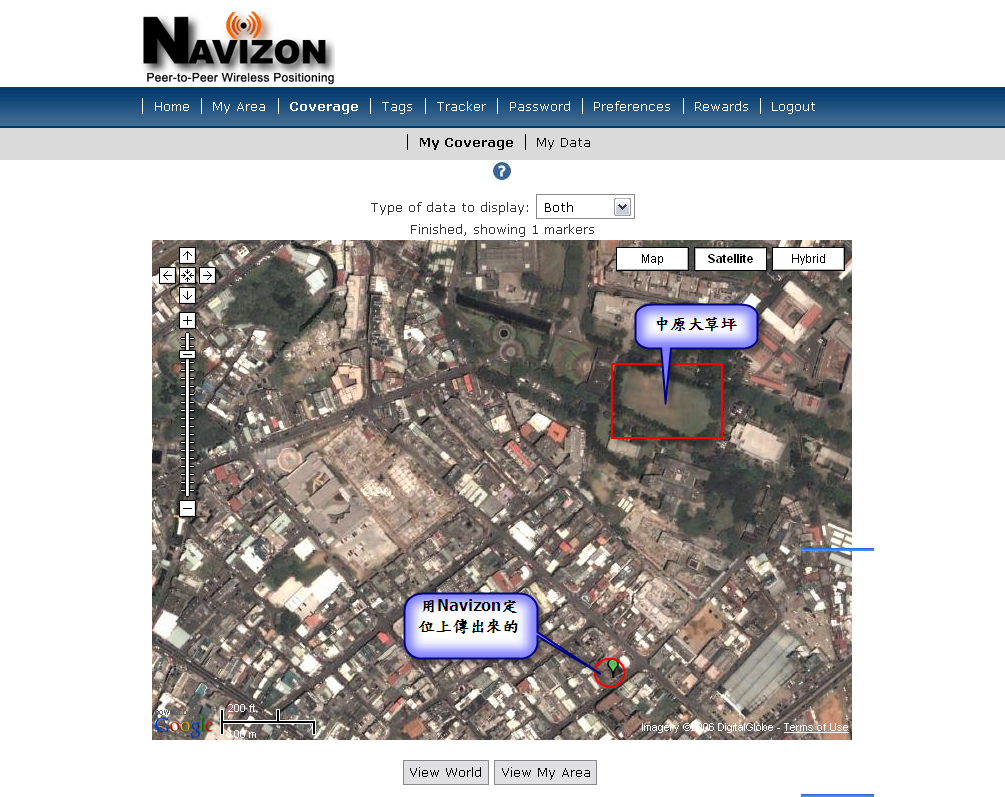
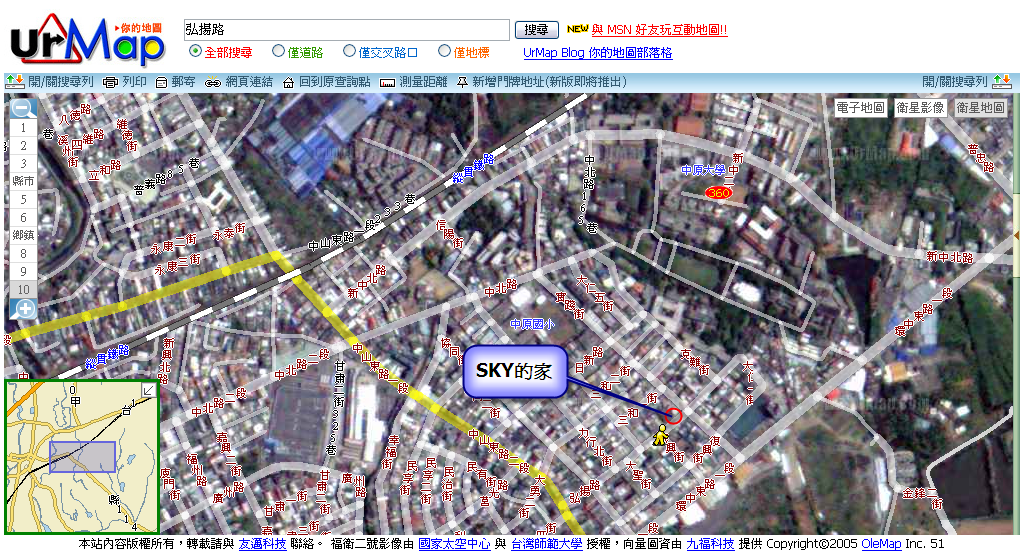
和urmap的圖對照,因為現在google map沒有台灣的街道圖,比較難分辨相對地理位址,是因為
中原有比較大的明顯建築,才比較好分辨。
Navizon是以google map來作標記,如上圖的綠色水滴型標記。